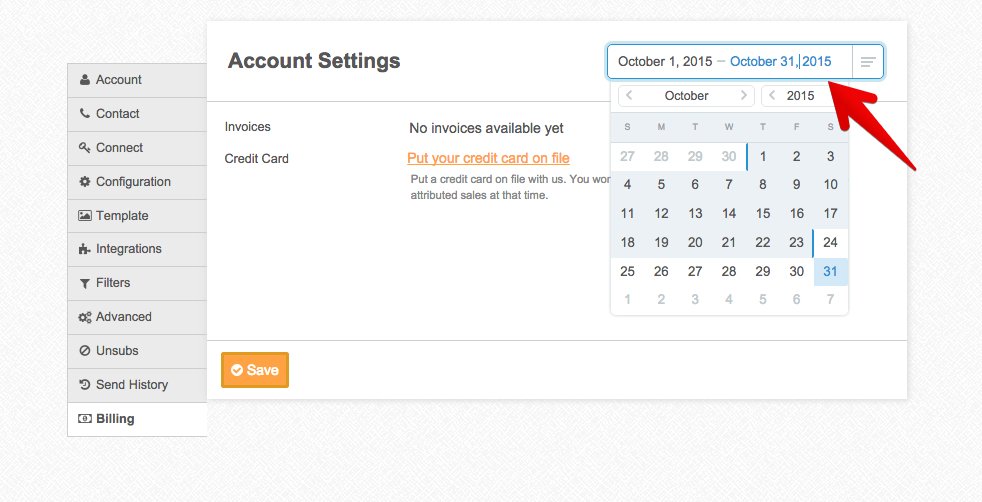
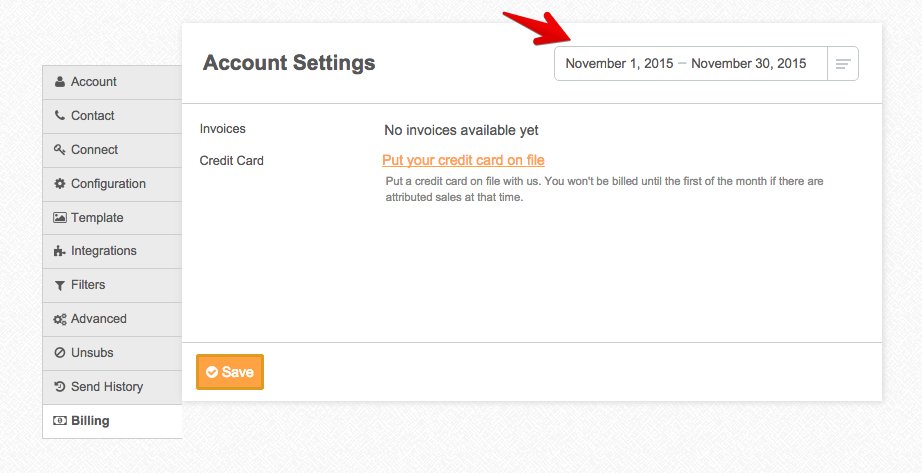
In order to look at different date ranges in the billing section, you can use the date picker in the top right. It defaults to show the current month:
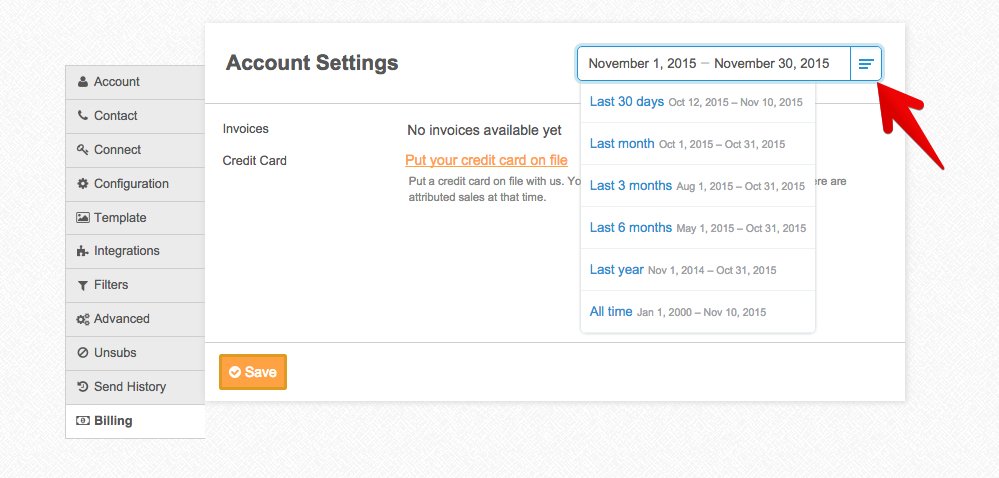
By clicking on the icon on the right of the date range, you can pull up some quick, commonly used date ranges:
To select specific date ranges, just click on the dates themselves and you’ll be able to pick from a calendar: