
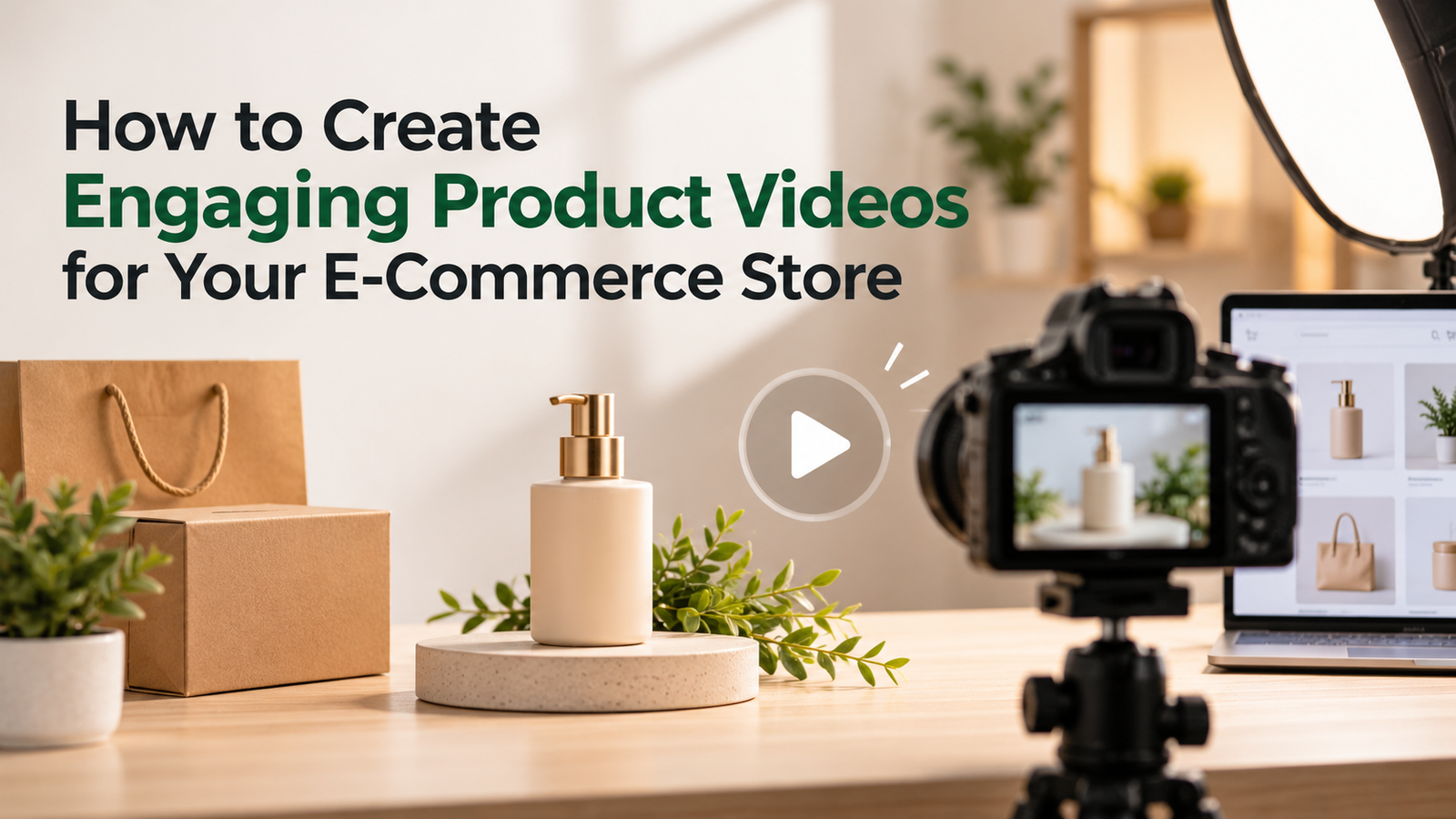
Product videos have become an important part of online shopping. While images show customers what a product looks like, videos help them understand how it works, its key features, and how it fits into everyday life.
For e-commerce businesses, well-made product videos can build customer confidence, answer common questions, and encourage purchasing decisions.
The good news is that creating engaging videos doesn’t require expensive equipment or advanced editing skills. With proper planning, clear visuals, and the right approach, online retailers can create professional-looking content that supports their marketing goals.
Here are seven practical steps to get started.
1. Understand Your Audience and Video Goals
Before creating a product video, identify your target audience and what they want to know about your products.
For example, someone purchasing fitness equipment might want to see the product in action, while a customer shopping for skincare may be more interested in texture, application, and results.
Consider these questions:
- What problem does the product solve?
- Which features matter most to customers?
- What should viewers do after watching?
Understanding customer expectations helps you create focused videos rather than overwhelming viewers with unnecessary information.
This customer-first approach also supports a broader e-commerce marketing strategy built around relevant and engaging content.
2. Create a Simple Product Video Script
A clear script keeps your video organized and ensures the message reaches viewers quickly.
Start with an attention-grabbing opening that highlights a customer problem or an interesting product benefit. Introduce the product, demonstrate its most useful features, and explain how it solves that problem.
For example, a kitchenware store could begin with a common cooking challenge before demonstrating how its product makes the task easier.
Keep the language conversational and avoid lengthy explanations. Focus on two or three important benefits instead of listing every feature.
End with a clear call to action, such as “Explore the Collection” or “Shop Now.”
3. Capture High-Quality Product Footage
Good visuals make products more appealing and help customers evaluate them confidently.
You don’t necessarily need a professional camera. A smartphone with a stable setup and proper lighting can produce clear, attractive footage.
Follow these simple filming practices:
- Use natural lighting: Record near a window or use soft lighting to minimize harsh shadows.
- Keep backgrounds simple: Avoid distracting objects that compete with your product.
- Show multiple angles: Capture close-ups and wider shots to highlight useful details.
- Demonstrate real-world usage: Show how the product works in everyday situations.
- Maintain stability: Use a tripod or stable surface to avoid shaky footage.
Most importantly, ensure that the video accurately represents the product’s appearance and functionality.
4. Edit Your Videos to Keep Viewers Engaged
Even well-recorded footage needs thoughtful editing. Removing unnecessary pauses, arranging clips logically, and maintaining a consistent visual style can make product demonstrations easier to follow.
For online retailers producing multiple product videos, tools like the invideo editor can simplify this process. Its AI editing agent lets creators upload footage and describe editing changes in everyday language, helping with tasks such as trimming pauses and adjusting multiple shots. The platform also offers a multitrack timeline for manual adjustments, along with audio and color editing controls.
For example, a clothing retailer could combine different product angles into a short promotional video, remove repetitive footage, and refine the overall presentation before exporting it.
The key is to keep editing purposeful. Smooth transitions, concise visuals, and clear messaging are usually more effective than excessive effects.
5. Include Captions and Clear Calls to Action
Not everyone watches videos with sound enabled, particularly when browsing social media or shopping on mobile devices.
Adding captions and readable text overlays helps communicate important product information even when the audio is muted.
Captions also make videos more accessible. The W3C’s video accessibility guidelines explain their importance for viewers who are deaf or hard of hearing.
You can also highlight essential information through short text overlays, such as product dimensions, materials, or specific benefits.
Finish your video with a clear next step. Depending on your goal, this might be visiting a product page, exploring a collection, or completing a purchase.
6. Share Product Videos Across Marketing Channels
Creating a product video is only part of the process. Sharing it through the right channels helps you reach potential customers at different stages of their shopping journey.
Consider using videos in the following places:
- Product pages: Demonstrate important features and show products in action.
- Social media: Share short clips, product highlights, and behind-the-scenes footage.
- Email campaigns: Include clickable video thumbnails that lead customers to product demonstrations.
- Paid advertisements: Focus on specific product benefits and clear calls to action.
Video content can also support customer retention efforts. For instance, an abandoned-cart email could feature a thumbnail linking to a product demonstration that addresses common purchasing concerns.
This complements the strategies covered in MageMail’s guide to abandoned cart recovery.
Instead of sending the same video to everyone, consider matching content to customers’ interests and browsing behavior.
7. Track Results and Improve Your Videos
Once your videos are published, measuring performance helps you understand what attracts viewers and encourages them to take action.
Some useful metrics include:
- Watch time: How long viewers stay engaged.
- Click-through rate: How many viewers visit your product page.
- Conversion rate: How many viewers complete a desired action.
- Audience retention: Where viewers lose interest or stop watching.
For example, if viewers leave before seeing your product’s key benefits, try shortening the introduction or moving the demonstration earlier.
You can also use Google Analytics campaign tracking to understand which video promotions bring traffic to your store.
For email campaigns, these insights can support more relevant messages and complement targeted email marketing strategies.
Regularly reviewing results helps you refine future videos and make better marketing decisions.
Conclusion
Creating engaging product videos is about more than presenting attractive visuals. It’s about helping customers understand your products and feel confident about their purchasing decisions.
By understanding your audience, planning a clear message, capturing quality footage, and editing thoughtfully, you can create valuable video content without a complicated production process.
When combined with product pages, social media, and email marketing, these videos can become a practical part of your e-commerce growth strategy.