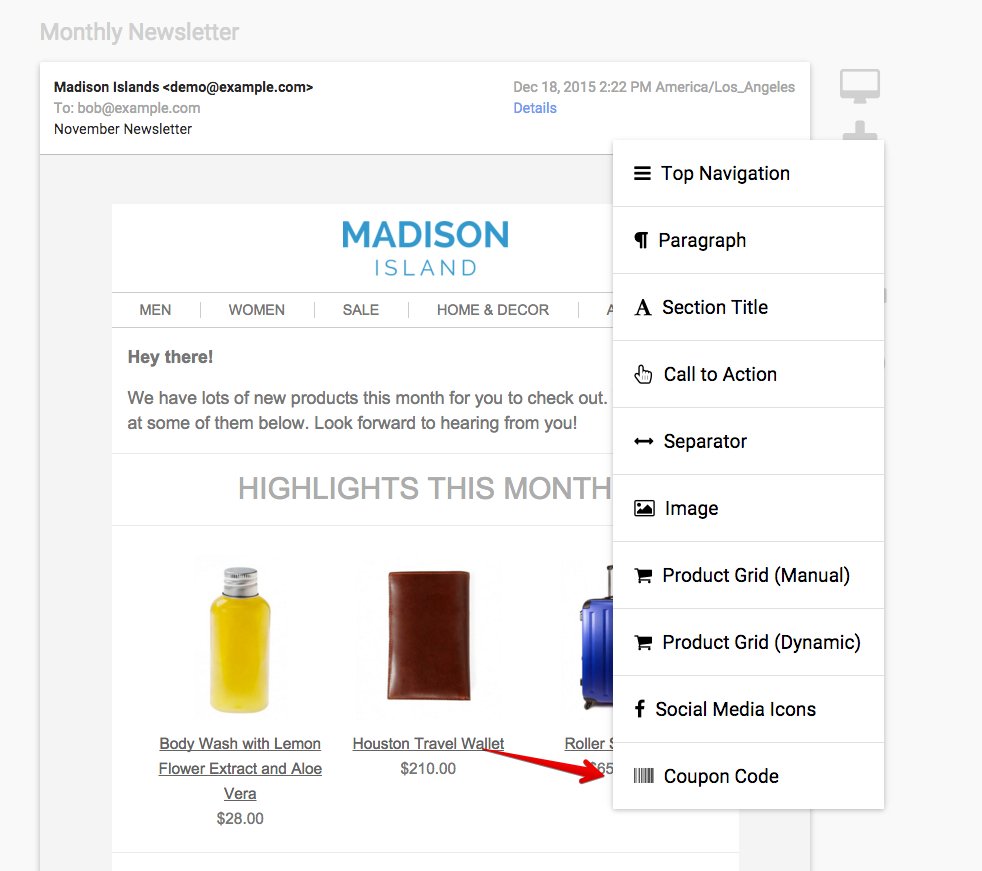
You can add a coupon to a message using the Coupon content block type:
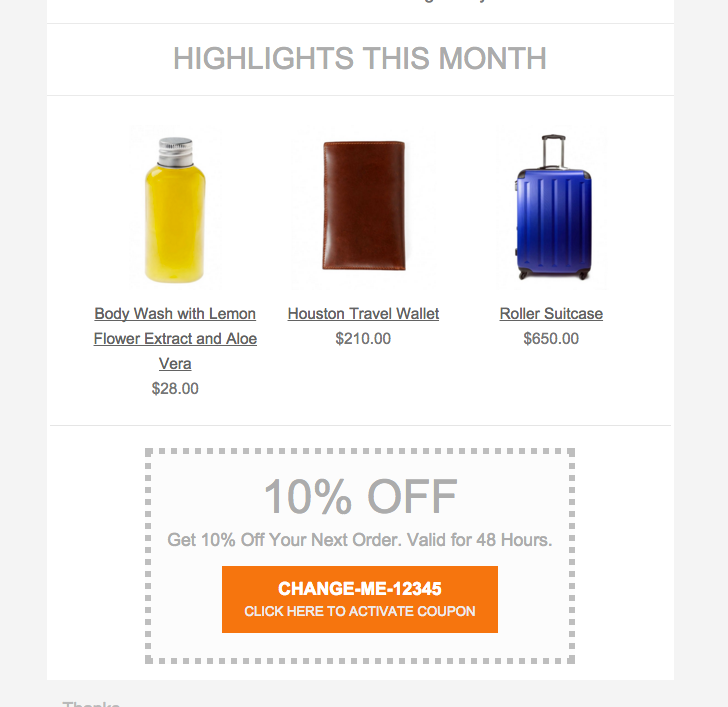
Then you’ll see the coupon content block in your message:
When you click on the content block to update the settings, you’ll have several options:
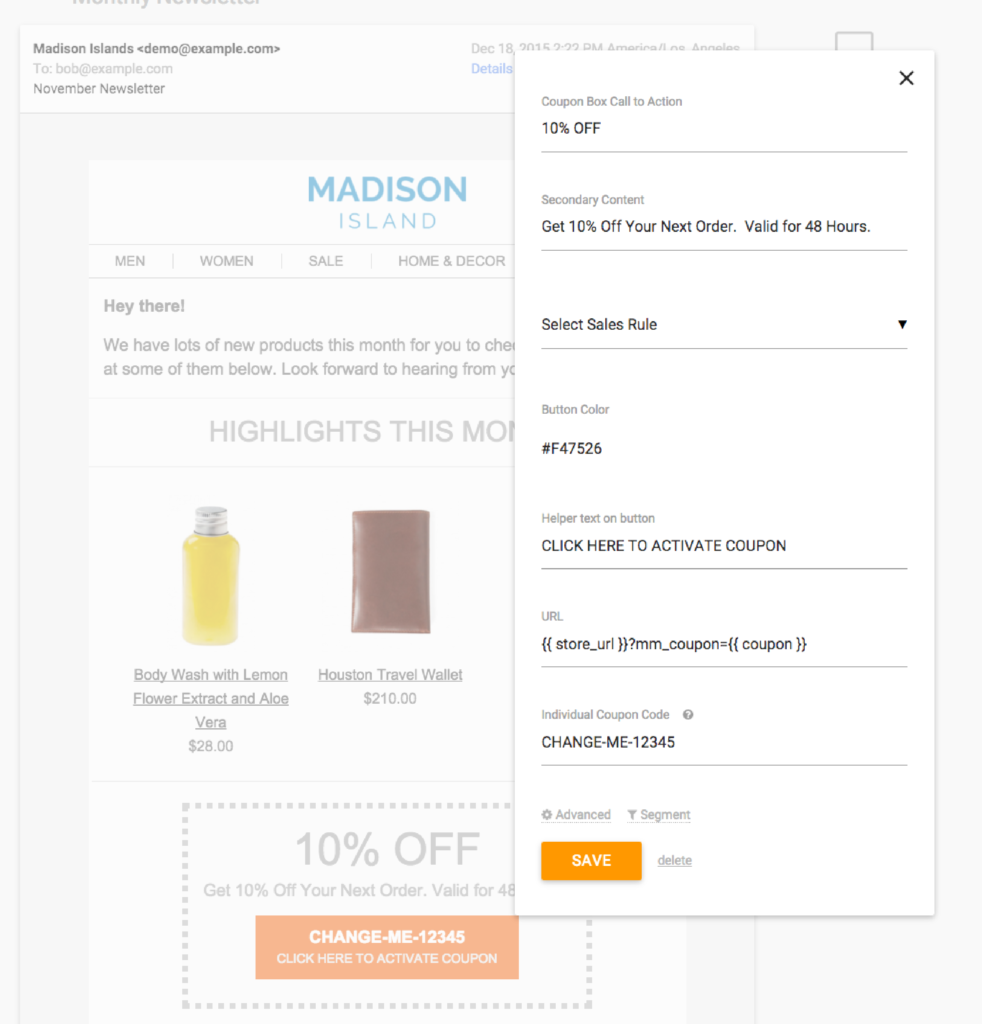
The two main types of coupons are just an individual coupon code vs. auto-generated unique coupon codes that are tied to Shopping Cart Price Rules in Magento.
In order to associate the coupon to a Shopping Cart Price rule, select the rule from the dropdown. MageMail will generate coupon codes on an ongoing basis associated to that rule.
—
Note regarding New Shopping Cart Price Rules – if you create a new shopping cart price rule, you will need to go into Settings > Connection and hit Test Connection. That will refresh the list of shopping cart price rules in MageMail. Also there is currently a limit of 200 shopping cart price rules that will be imported.
Note for Message Blasts: Auto generated coupon codes aren’t yet available for high volume message blasts, but they are available for using in smaller email blasts and triggers.