
In order to clone a sub-account, whether that’s for the purpose of multi-store setup or just creating an additional account for one of your clients, here’s how you can do that.
Note that this is a little bit tech-y – there will eventually be a full user interface for this – feel free to let me know if you’d rather that I set this up for you until the UI is available.
When you’re logged into the account that you want to copy, visit this URL:
please login to see this linkYou’ll see something like the following screen if it goes through okay:
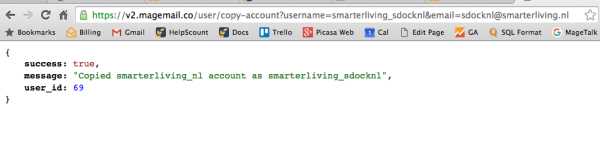
Once that’s done, you’ll be able to login by using the reset password feature based on the username or email of the new account that you’ve just created.
