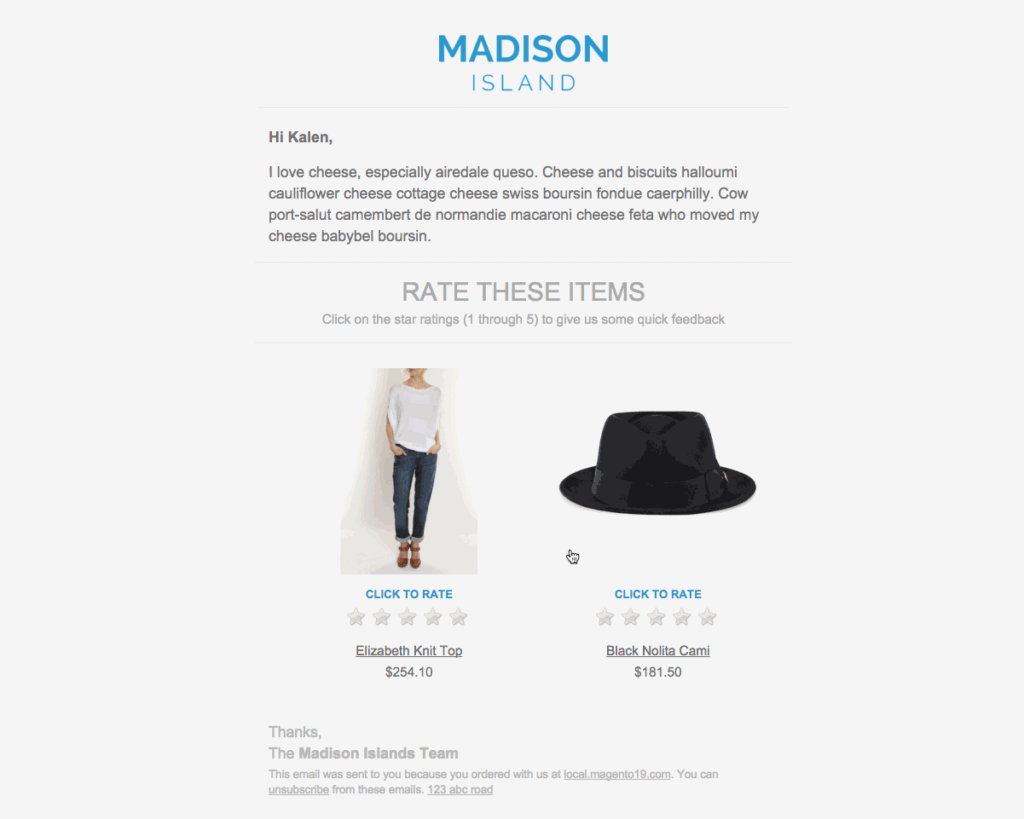
The email will contain a list of products in it, each of which will have a 5-star rating that the customer can click on:
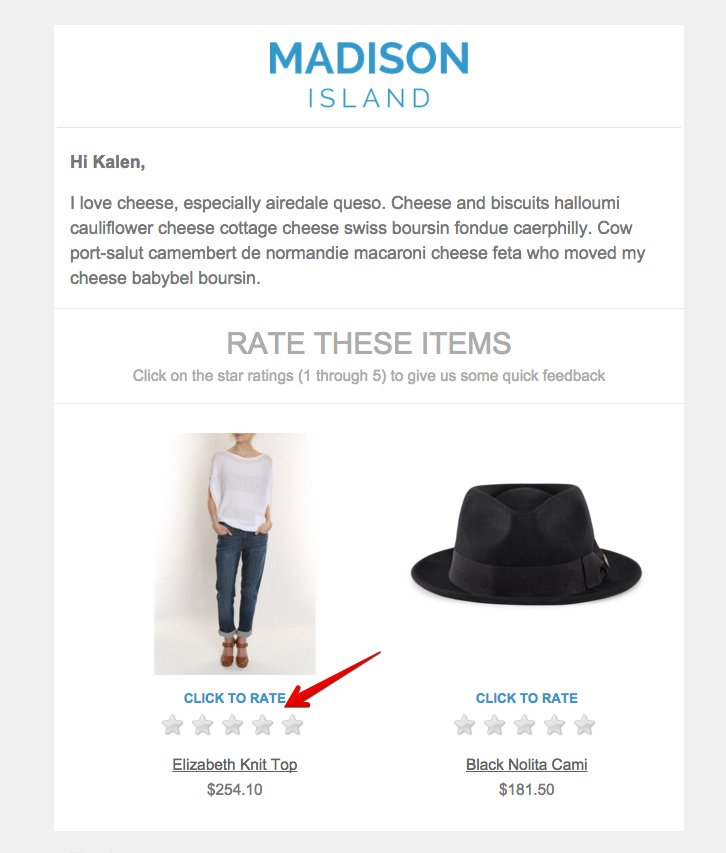
Once they click on a rating, they’ll be taken to the product page with a modal popped up:
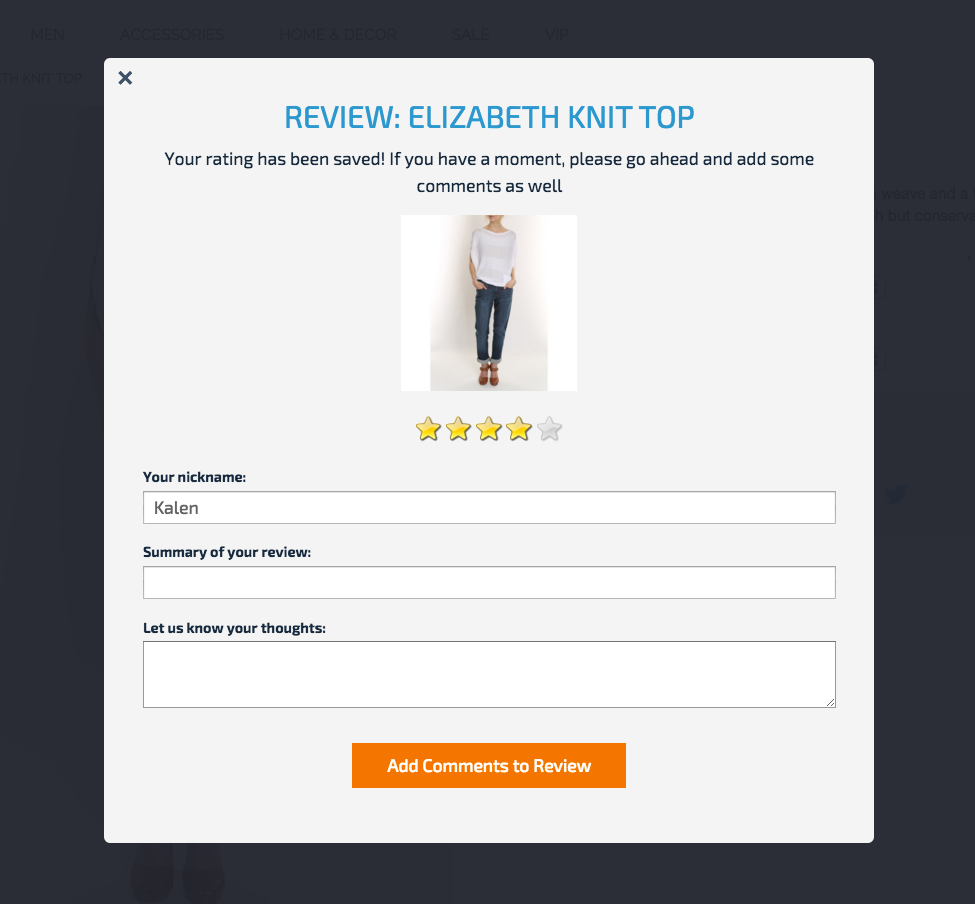
To reduce the friction in posting reviews to the absolute minimum, this is all they need to do to post a rating. By default, even if they don’t write any comments, the 5-star rating will be saved, with “No comment” as the summary.
The nickname is populated automatically based on their customer account and/or their email address.
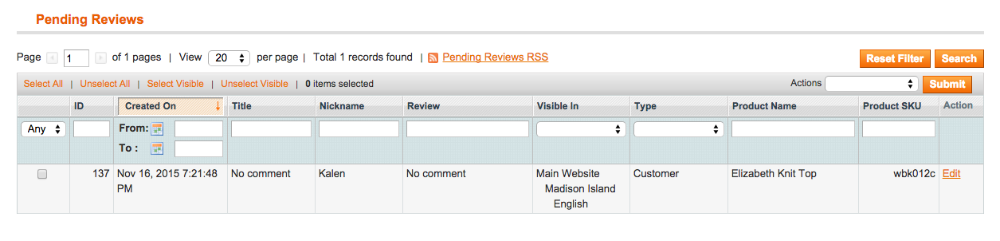
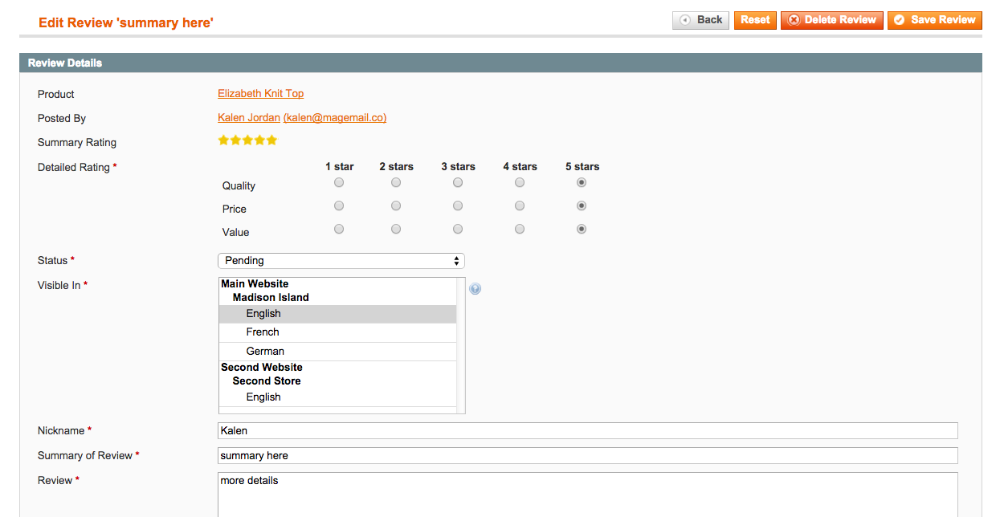
If they proceed to write a summary and/or comments and save the review, those fields will be populated. They can also click the stars to change the rating if they want to:
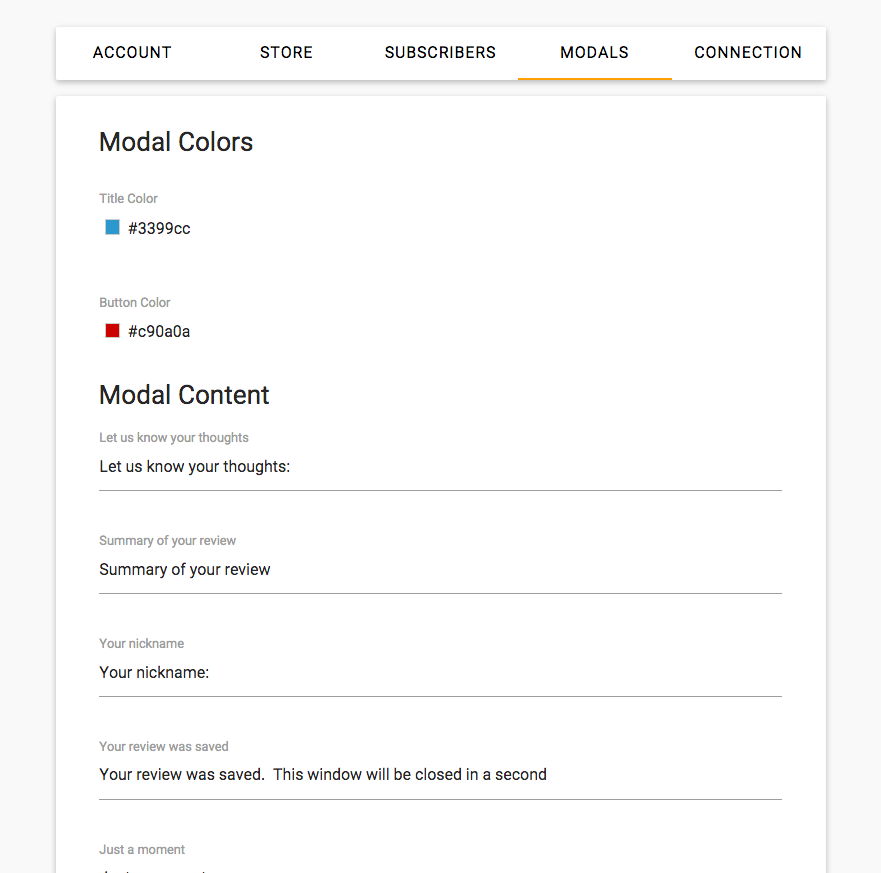
Customize modal
You can customize the review modal under Settings > Modals
Here’s a GIF showing the whole process.