
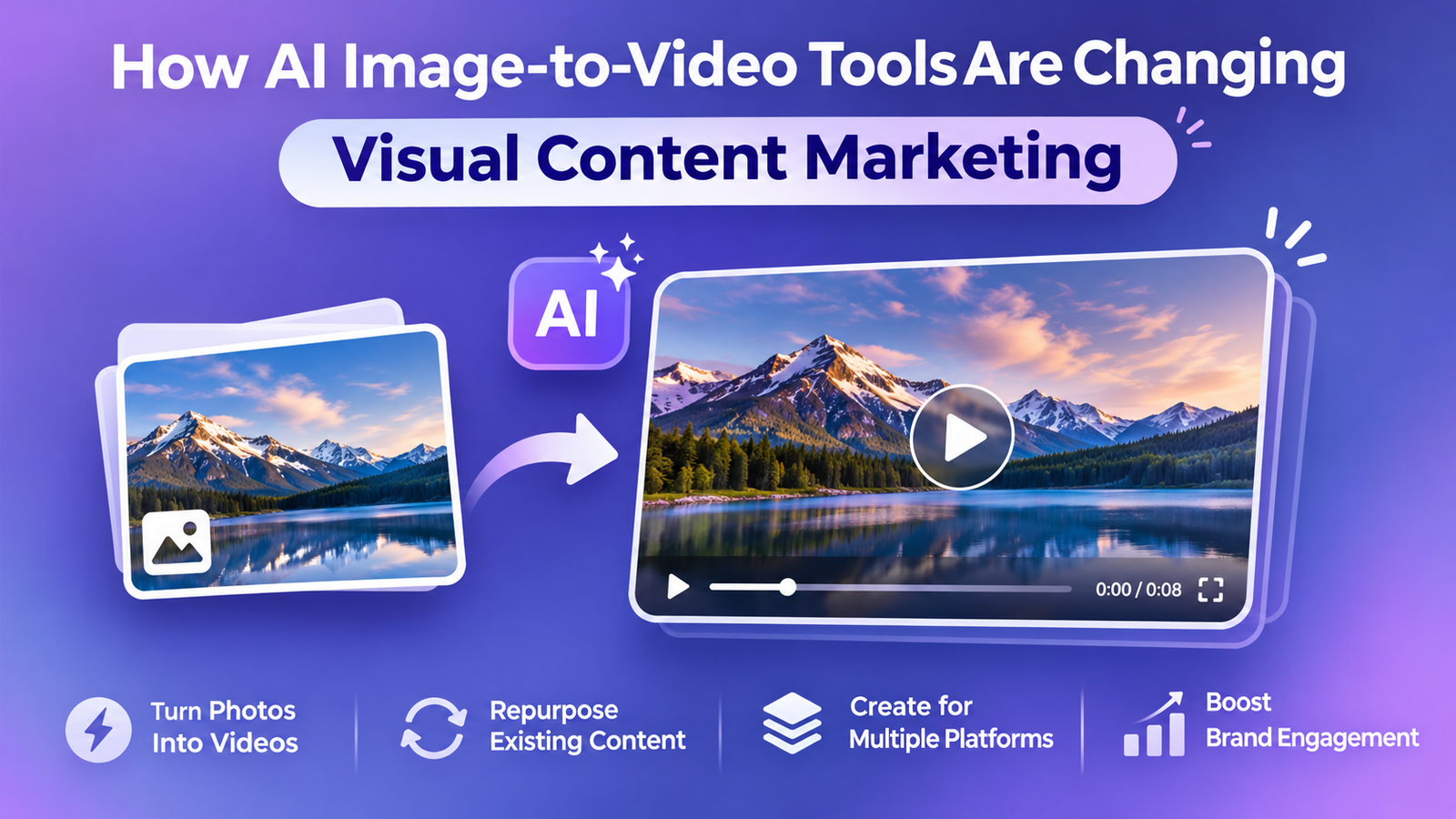
Visual content plays an important role in how businesses connect with their audiences. Brands depend on product photos, social media graphics, and promotional videos to communicate their message and attract customers.
However, producing new videos for every marketing campaign requires time, planning, and resources. AI image-to-video tools offer a simpler approach by turning existing photos into moving videos.
These tools help marketing teams create product promotions, short advertisements, and social media videos without filming every scene. They also make it easier to reuse existing content across different platforms.
What Are AI Image-to-Video Tools?
AI image-to-video tools are platforms that turn still images into moving videos using artificial intelligence. Users upload an image, describe the movement they want, and generate a short video based on those instructions.
The AI studies the image’s subjects, background, and composition to create movement. A product photo might become a short video with a slow camera zoom, while a landscape image could show moving clouds or flowing water.
This approach allows brands to create videos from existing images without manually animating every frame.
How Are AI Image-to-Video Tools Changing Visual Content Marketing?
1. Making Video Production More Accessible
Traditional video production often requires cameras, lighting, editing software, and production teams. AI image-to-video tools reduce some of these requirements by creating animated clips from existing images.
Small businesses can produce product promotions and social media videos without arranging a separate shoot for every campaign.
2. Repurposing Existing Marketing Assets
Most brands already have product photos, lifestyle images, and promotional graphics. AI tools allow marketers to turn these existing assets into new video content.
An online clothing store can animate product images for Instagram Reels, while a travel company can add camera movement to destination photos The same clips can also support product videos in ecommerce email campaigns..
This helps businesses get more value from their existing visual content.
3. Supporting Multi-Platform Content Creation
Each social media platform has different video requirements. A YouTube video may need adjustments before it works well on TikTok or Instagram.
AI-generated clips can be resized, edited, and combined with captions or audio to match different publishing formats.
4. Supporting Brand Visibility Through Video
Videos help businesses explain products, answer customer questions, and communicate useful information MageMail’s product video guide covers how online stores can plan and present these demonstrations..
MageMail’s guide to product videos for ecommerce stores also explains how clear demonstrations help shoppers understand products before buying.
AI-generated videos do not guarantee better search rankings, but clear and informative videos can support a broader content strategy.
4 AI Image-to-Video Tools for Visual Content Marketing
Several AI platforms help brands transform still images into videos. Here are four options worth exploring.
1. Invideo
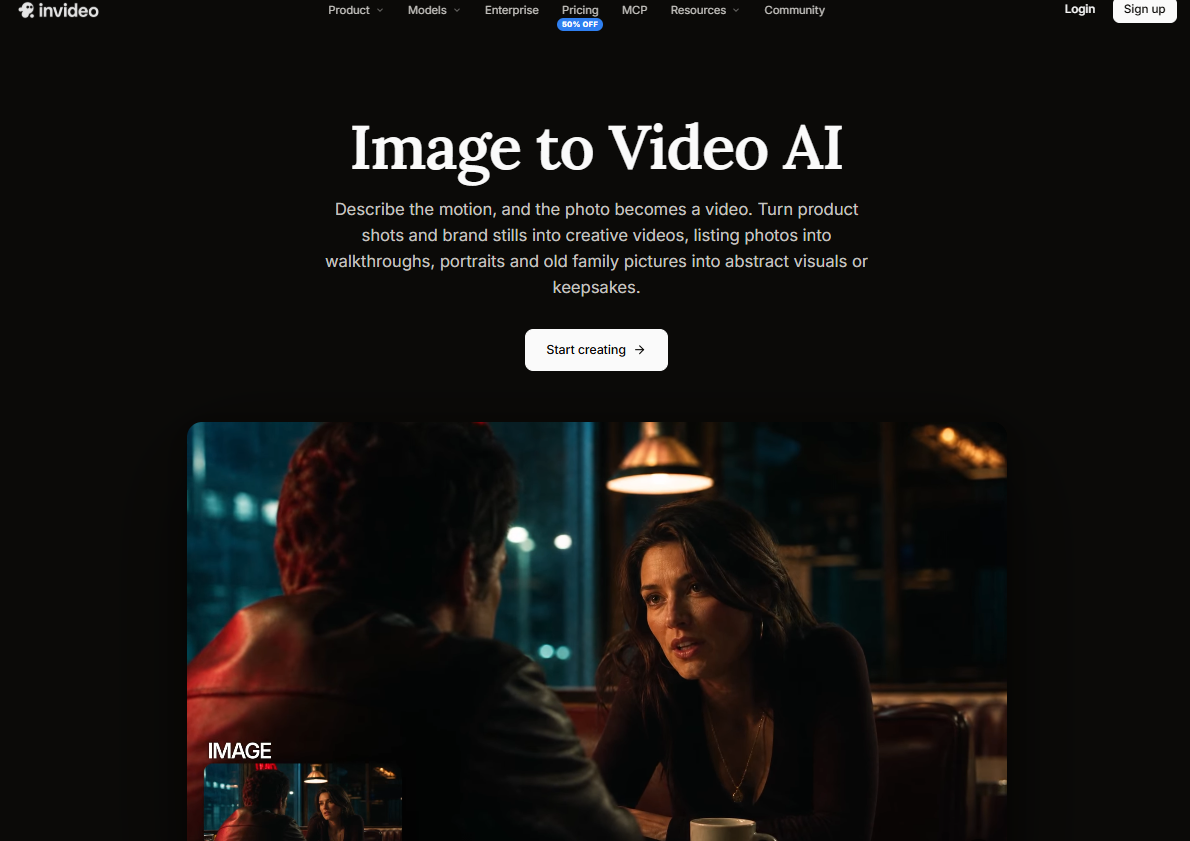
Invideo is a browser-based AI video creation and editing platform that helps marketers turn product photos, brand images, and illustrations into moving videos. Its Photo to Video feature supports JPG, PNG, and WEBP images. Users can describe camera movements, subject actions, and visual styles to generate clips.
The platform brings together multiple AI models, including Seedance 2.5, Kling 3.0, and Runway Gen-4.5. Its AI agent can maintain product, character, and brand references across scenes. For longer videos, the agent can generate multiple clips and assemble them into a sequence.
Invideo also offers storyboarding, AI-assisted script writing, real-time collaboration, custom creative agents, and a professional multitrack timeline. Supported AI workflows can connect through invideo MCP, allowing users to direct editing and generation tasks from compatible AI assistants.
Key features:
- Image animation: Turn product photos, portraits, and illustrations into moving clips through text prompts.
- Multiple AI models: Choose models suited to different movements, styles, and video requirements.
- Reference-to-video: Maintain product, character, and location details across multiple scenes.
- Creative styles: Explore hand-drawn animation, 3D-style animation, portrait effects, and other visual styles.
- AI editing agents: Request changes through natural language and create custom agents for creative tasks.
- Professional editing: Refine clips using a multitrack timeline, color tools, and audio controls.
- Collaboration: Plan storyboards, write scripts, and edit projects with team members in real time.
- Publishing: Prepare 16:9 and 9:16 videos for YouTube, Instagram, TikTok, and other platforms.
Best for: Marketing teams, businesses, and creators who want image-to-video generation, brand consistency, and professional editing in one workspace.
Pricing: AI generation requires credits, while generated videos can be refined using the free invideo editor. Model access and generation limits depend on the plan.
2. Runway
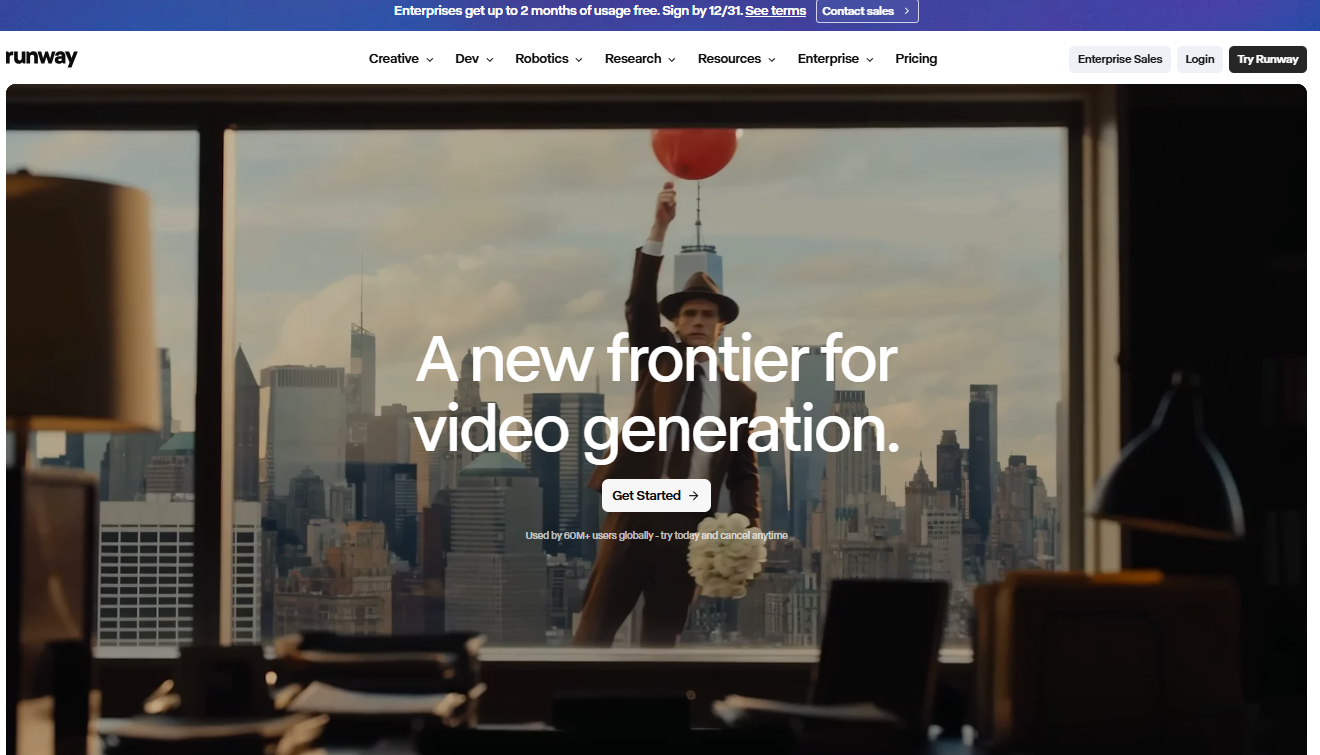
Runway is an AI video generation platform designed for creating detailed visual clips from images and text instructions. Its image-to-video capabilities help marketers animate existing photos by describing subject movement, camera direction, and scene atmosphere.
The platform is useful for cinematic advertising, campaign concepts, and creative visual storytelling. Marketers can experiment with different prompts and generate clips that match their intended style.
Runway also provides tools for refining generated content, making it useful for teams developing polished campaign visuals.
Key features:
- Generate videos from uploaded photos and text instructions.
- Describe camera movement, subject actions, and scene changes.
- Create cinematic clips with detailed visual prompts.
- Experiment with different compositions and creative styles.
- Refine generated visuals through supported editing tools.
- Export clips for use in marketing and video projects.
Best for: Creative agencies, designers, and marketing teams developing cinematic promotional videos and advertising concepts.
3. Pika
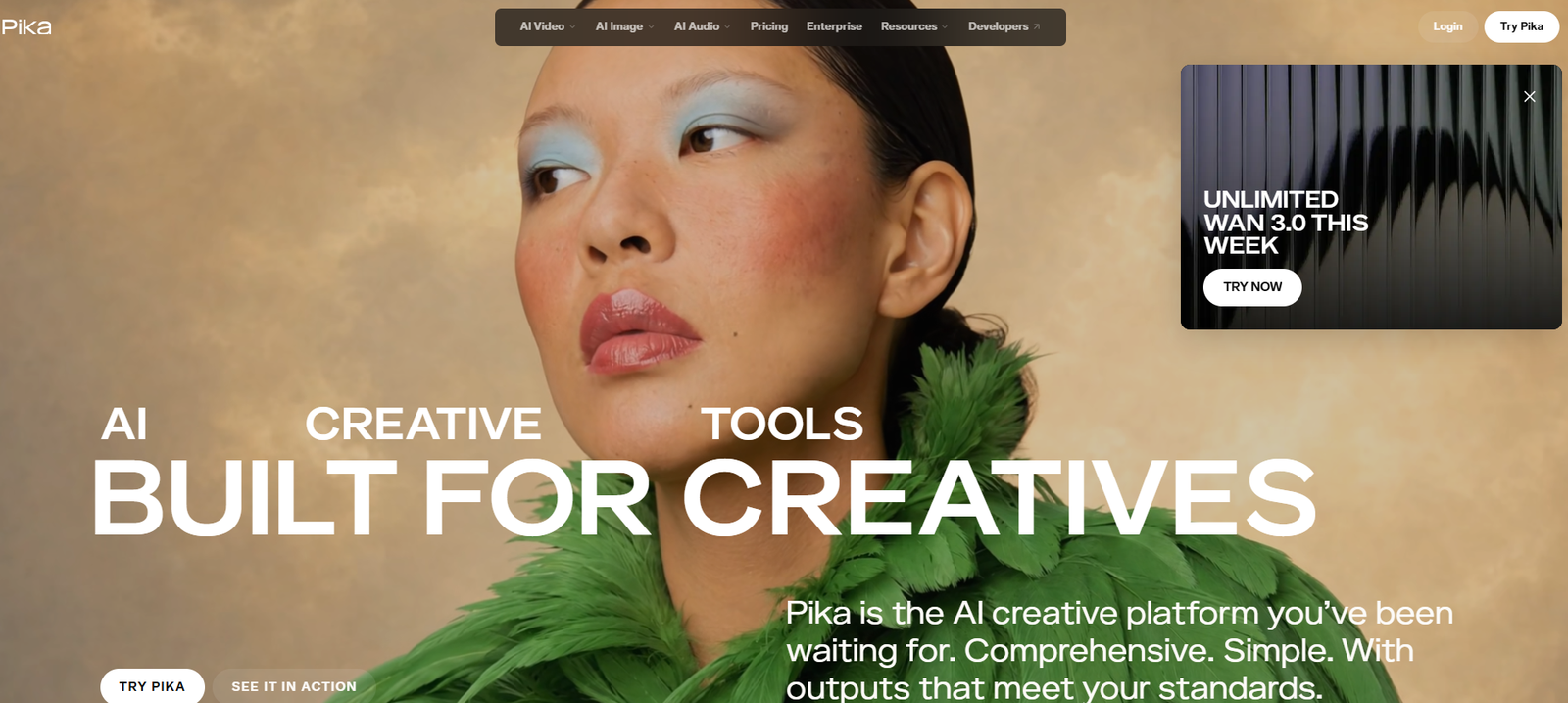
Pika is an AI creative platform that helps users generate and edit short videos from images and written prompts. Its video tools allow marketers to animate photos, experiment with visual effects, and create promotional clips.
The platform includes image-based generation, video editing options, and tools for creating product advertisements. It also provides access to different generation models for testing creative styles.
Pika is particularly useful for marketers creating social media posts, animated illustrations, and short visual experiments.
Key features:
- Animate still images through text-based instructions.
- Generate short videos using AI video models.
- Create transitions between visual references.
- Experiment with different motion and visual styles.
- Access video editing and motion transfer tools.
- Develop product advertisements and social media clips.
Best for: Social media marketers, designers, and content creators producing short animations, visual experiments, and promotional videos.
How Can Businesses Use AI Image-to-Video Tools Effectively?
Step 1: Choose High-Quality Images
Start with clear product photos, illustrations, or brand visuals. Good lighting and visible details give the AI a stronger starting point.
Step 2: Define the Video’s Purpose
Decide whether the video should promote a product, explain a feature, or attract attention on social media.
Step 3: Write Clear Motion Instructions
Describe what should move, the camera direction, and the overall visual style. Review the generated output for accuracy.
Step 4: Edit and Prepare the Content
Add captions, audio, branding, and supporting information. Adjust the video format for the intended platform.
These steps should support a wider content strategy built around useful information, clear product details, and customer needs.
What Challenges Should Marketers Consider?
AI-generated videos still require human review. Some clips may contain unnatural movements, incorrect product details, or changes to faces and logos.
Businesses should check generated content before publishing and confirm they have permission to use source images.
Marketers should also review commercial licensing terms, generation limits, and editing features before choosing a platform.
How Can Marketers Measure Video Marketing Results?
Businesses should track performance instead of focusing only on the number of videos produced.
Useful metrics include video views, audience retention, engagement, website visits, and conversions For campaigns sent to subscribers, these email marketing tips can also help teams assess clicks and conversions..
For campaigns sent to subscribers, MageMail’s email marketing guide offers more ways to connect engagement with business goals.
Reviewing these results helps teams understand which video formats perform best.
Conclusion
AI image-to-video tools are changing how brands create visual content. Businesses can turn existing photos into videos, reuse marketing assets, and produce content for different channels.
Platforms such as invideo, Runway, and Pika offer different approaches to video generation. Choosing the right option depends on the team’s creative requirements, editing needs, and marketing goals.
The strongest results come from combining AI-assisted video creation with accurate visuals, useful information, and thoughtful editing.
Frequently Asked Questions
1. What are AI image-to-video tools used for in marketing?
These tools turn still photos into animated clips for product promotions, advertisements, social media posts, and brand storytelling. They help businesses reuse existing images instead of filming every scene.
2. Can AI turn a single photo into a marketing video?
Yes. AI tools can animate a single photo by adding camera movement, subject actions, or visual effects. Marketers can then add captions, audio, and branding before publishing.
3. Are AI-generated videos suitable for commercial marketing?
Many platforms offer commercial-use options, but terms vary by tool and plan. Businesses should review licensing rules and confirm they have permission to use the source images.
4. Do AI-generated videos improve search visibility?
AI-generated videos do not automatically improve search rankings or guarantee AI citations. Accurate titles, captions, transcripts, and supporting written content can help search systems understand published videos.