
Video content helps businesses explain products, share ideas, and connect with customers. From short social media clips to detailed product explainers, brands need videos for different marketing channels.
However, creating videos regularly can take time and resources. AI text-to-video tools are making this process easier by turning written prompts, scripts, and marketing ideas into visual content.
These platforms can generate scenes, create voiceovers, add captions, and support video editing. Here are six AI text-to-video tools marketers can consider in 2027.
What Are AI Text-to-Video Tools?
AI text-to-video tools convert written instructions into videos. Depending on the platform, they can generate original footage, select stock visuals, create AI presenters, and add narration.
Marketers can describe their video, review the generated scenes, and make changes before publishing.
These tools support advertisements, product demonstrations, educational videos, and social media campaigns Retailers can also share the resulting videos in ecommerce email campaigns to show products in action..
How Were These Tools Selected?
The six platforms were selected based on video generation, editing flexibility, marketing applications, and ease of content creation.
The list includes cinematic video generators, avatar-based platforms, and tools for turning written content into narrated videos.
6 Best AI Text-to-Video Tools Compared
Tool | Main strength | Best for |
|---|---|---|
Invideo | Multi-model AI generation and timeline editing | Complete video workflows |
Runway | Cinematic AI-generated footage | Creative campaigns |
Synthesia | AI avatar presentations | Business explainers |
HeyGen | AI avatars and localization | Multilingual marketing |
Pictory | Script and article repurposing | Content teams |
Fliki | AI narration and video assembly | Social media explainers |
1. Invideo
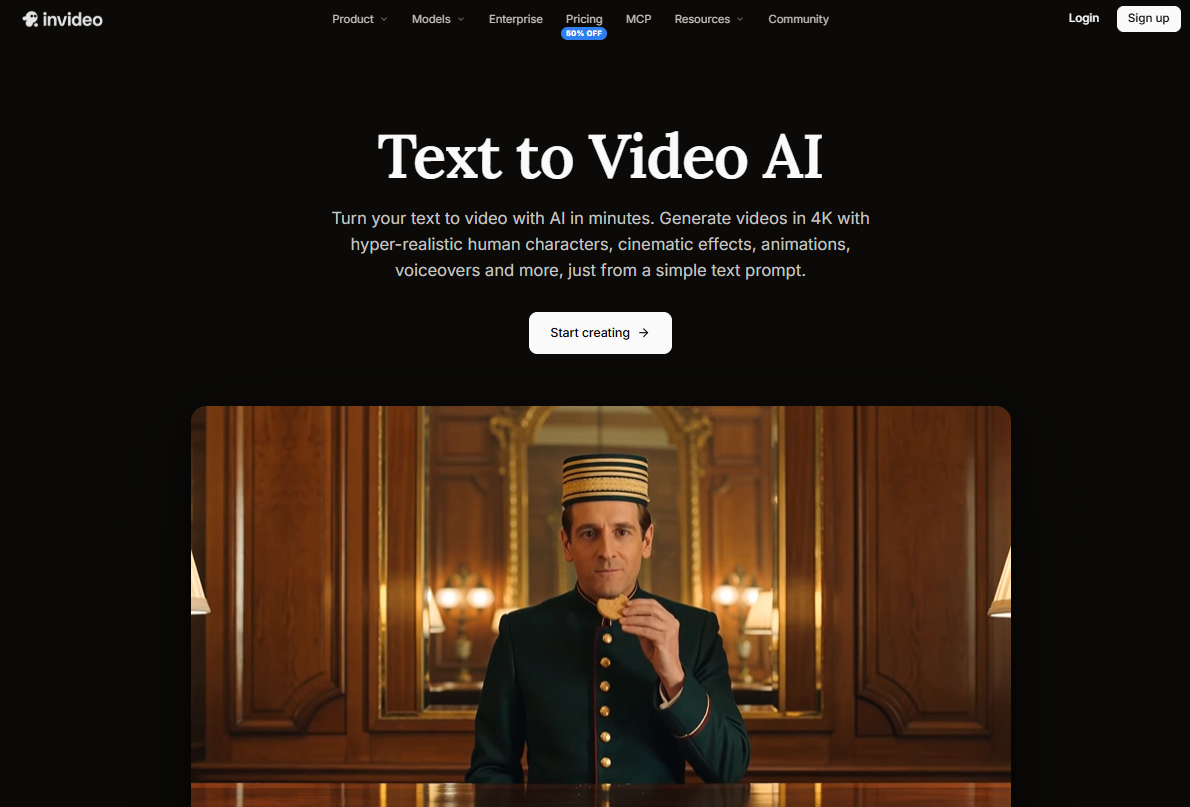
Invideo is an AI-powered video creation and editing platform that helps businesses turn written ideas, scripts, documents, and marketing briefs into professional videos. Its ai video generator from text can generate cinematic scenes, animations, realistic AI characters, voiceovers, music, and edited video sequences.
The platform offers multiple AI models, including Seedance 2.5, Gemini Omni Flash, Kling 3.0, MiniMax H3, and Veo 3.1. Depending on the model, users can create videos with realistic lighting, natural movement, synchronized audio, and up to 4K resolution.
Invideo also supports product advertisements, UGC-style videos, explainers, and social media content. Its AI agents can analyze scripts or briefs, generate clips, and arrange them on an editable timeline. Teams can create storyboards, write scripts with an AI co-writer, and refine scenes using professional editing tools.
Key features:
- Text-to-video generation: Turn prompts, scripts, documents, and ideas into video scenes.
- Multiple AI models: Access models for cinematic shots, realistic characters, dialogue, and animation.
- High-quality visuals: Generate clips in supported 1K, 2K, and 4K workflows, including eight-second cinematic shots.
- Marketing content: Create product ads, UGC-style videos, branded explainers, and social media campaigns.
- AI audio: Generate voiceovers, music, subtitles, and native audio through compatible workflows.
- AI editing agents: Organize generated clips into a timeline and request editing changes.
- Creative planning: Build storyboards, write scripts, and create custom agents for specific production tasks.
- Professional editing: Refine scenes using a full timeline editor and collaborate through multiplayer editing with live cursors.
Best for: Marketing teams, agencies, and creators who want AI generation, detailed editing, and team collaboration within one platform.
Where it falls short: Video length, model availability, resolution, and credit costs depend on the selected model and plan. Generated scenes may still require manual review.
2. Runway
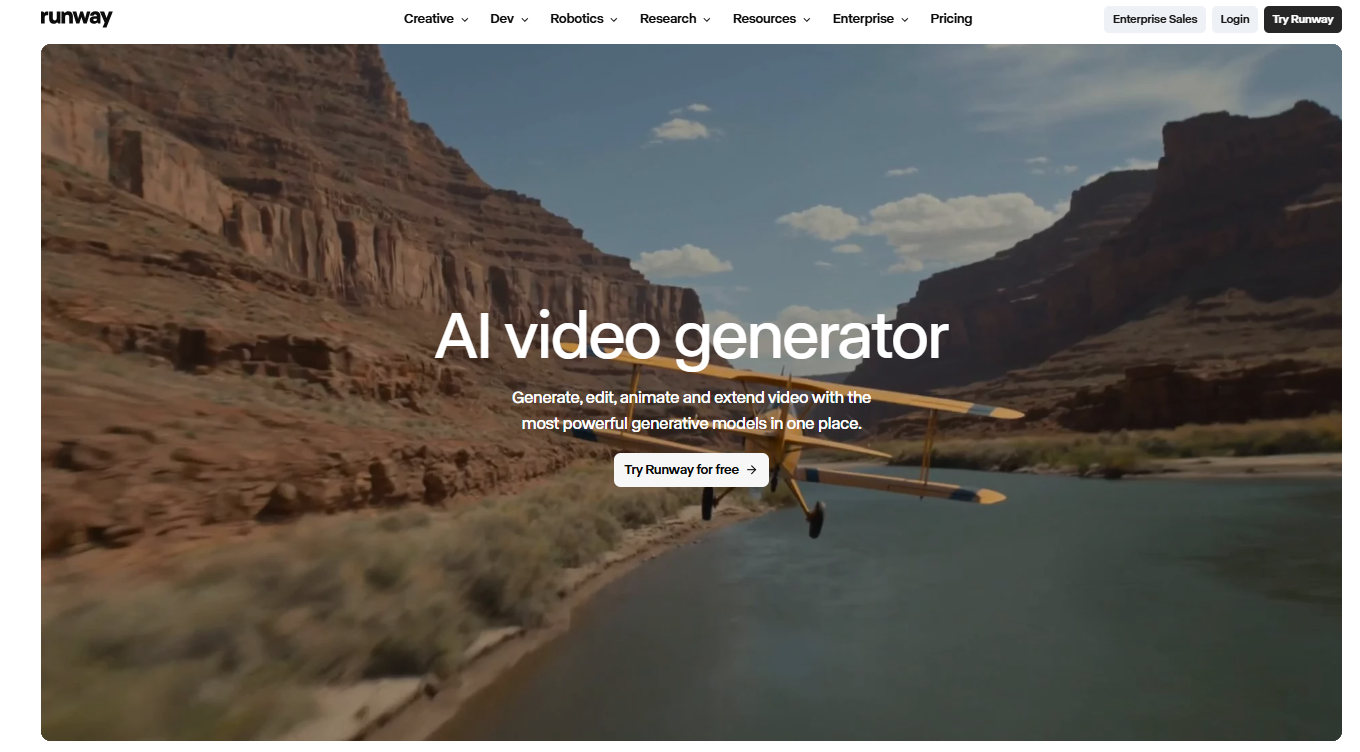
Runway is an AI video generation platform designed for creating cinematic footage from written prompts. Its Gen-4.5 model supports text-to-video generation, allowing marketers to describe subjects, camera movements, lighting, and scene actions.
The platform is useful for creating advertising concepts, product visuals, and creative storytelling. Marketers can generate short clips, experiment with different prompts, and combine the results into larger campaigns.
Key features:
- Generate original footage from text instructions.
- Describe camera angles, lighting, and subject movement.
- Create cinematic scenes with detailed visual prompts.
- Control the timing and sequence of actions.
- Generate short clips in supported aspect ratios.
- Explore different creative styles and compositions.
- Refine prompts and export footage for further editing.
Best for: Creative agencies and marketing teams producing cinematic advertisements, campaign visuals, and experimental video concepts.
Where it falls short: Gen-4.5 generates short clips, generally between two and ten seconds, so longer videos require additional editing and assembly.
3. Synthesia
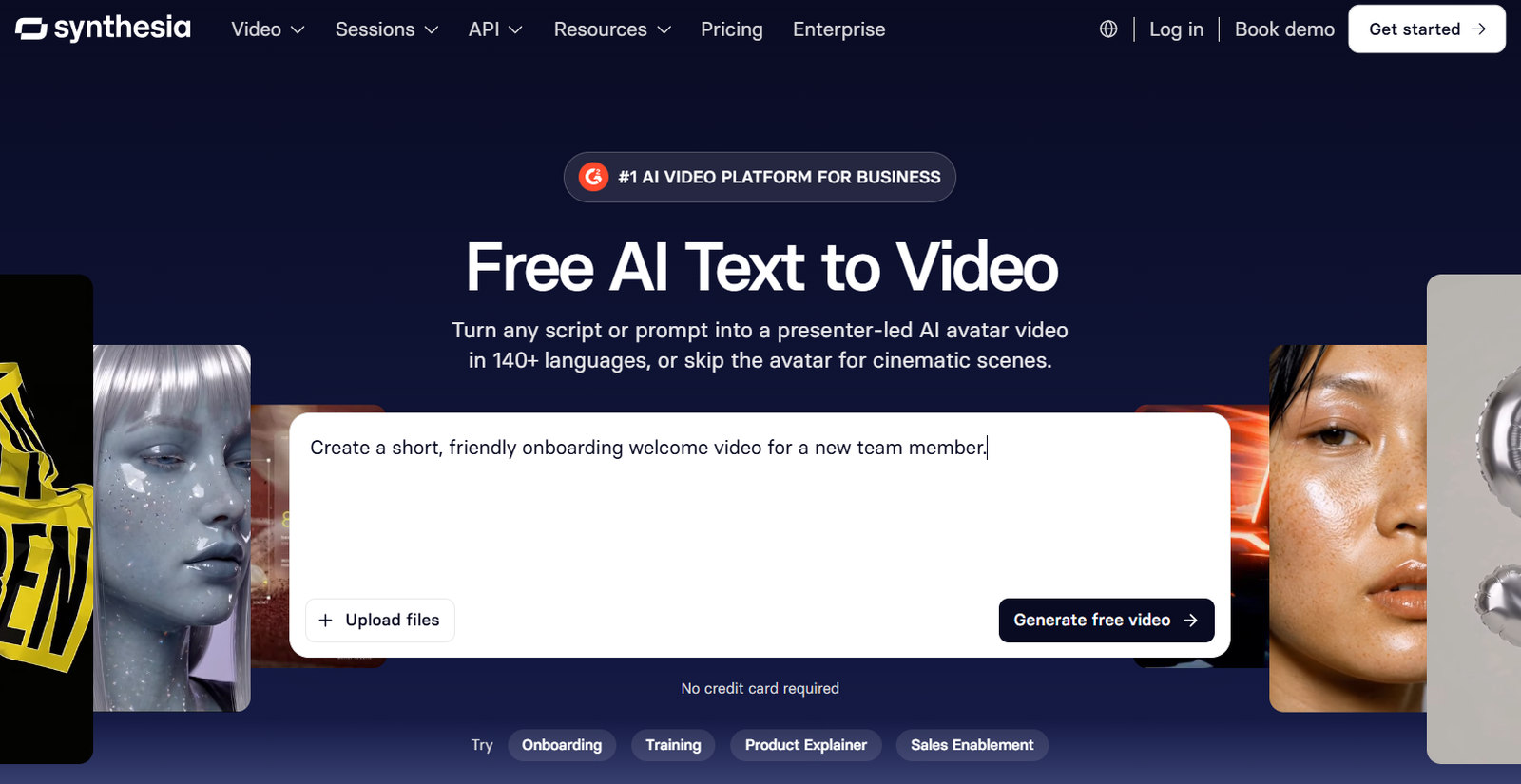
Synthesia is an AI video platform that helps businesses turn written scripts and documents into presenter-led videos. Instead of recording a person on camera, users can create videos featuring AI avatars and generated narration.
It is useful for product explanations, employee training, business presentations, and educational marketing content. Teams can also customize layouts and update scripts without recording each video again.
Key features:
- Turn scripts and documents into presenter-led videos.
- Choose AI avatars for business presentations.
- Generate natural-sounding narration.
- Create videos using customizable templates.
- Add logos, colors, and branded layouts.
- Translate and localize content for different audiences.
- Edit narration and scenes by updating written text.
Best for: B2B marketing teams, educators, and businesses creating training materials, presentations, and product explainers.
Where it falls short: Its presenter-focused approach is less suitable for campaigns requiring extensive cinematic footage.
4. HeyGen
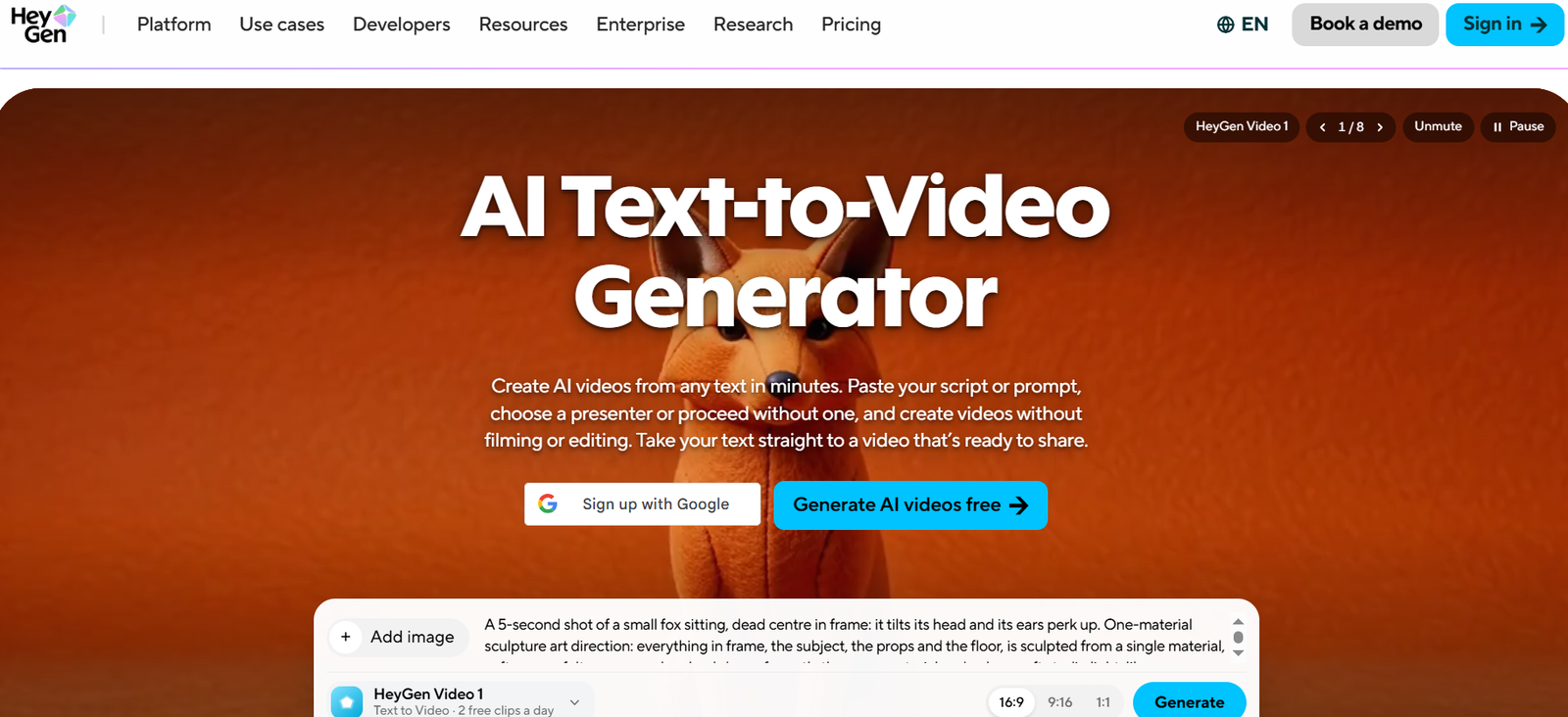
HeyGen helps marketers create videos from scripts using AI avatars, voice generation, and video translation. Businesses can prepare presenter-led content without arranging a separate recording session for every campaign.
Its localization features make it useful for brands communicating with audiences across different regions. Marketing teams can create product introductions, personalized messages, and multilingual promotional videos.
Key features:
- Create videos from written scripts and prompts.
- Generate content with realistic AI presenters.
- Add voiceovers and spoken explanations.
- Translate videos into different languages.
- Support synchronized lip movements.
- Create personalized sales and marketing messages.
- Adjust layouts and formats for different channels.
Best for: Sales teams, global businesses, and marketers creating personalized outreach, multilingual content, and presenter-led promotions.
Where it falls short: Avatar-based videos may not be the best choice for highly visual campaigns requiring cinematic storytelling.
5. Pictory
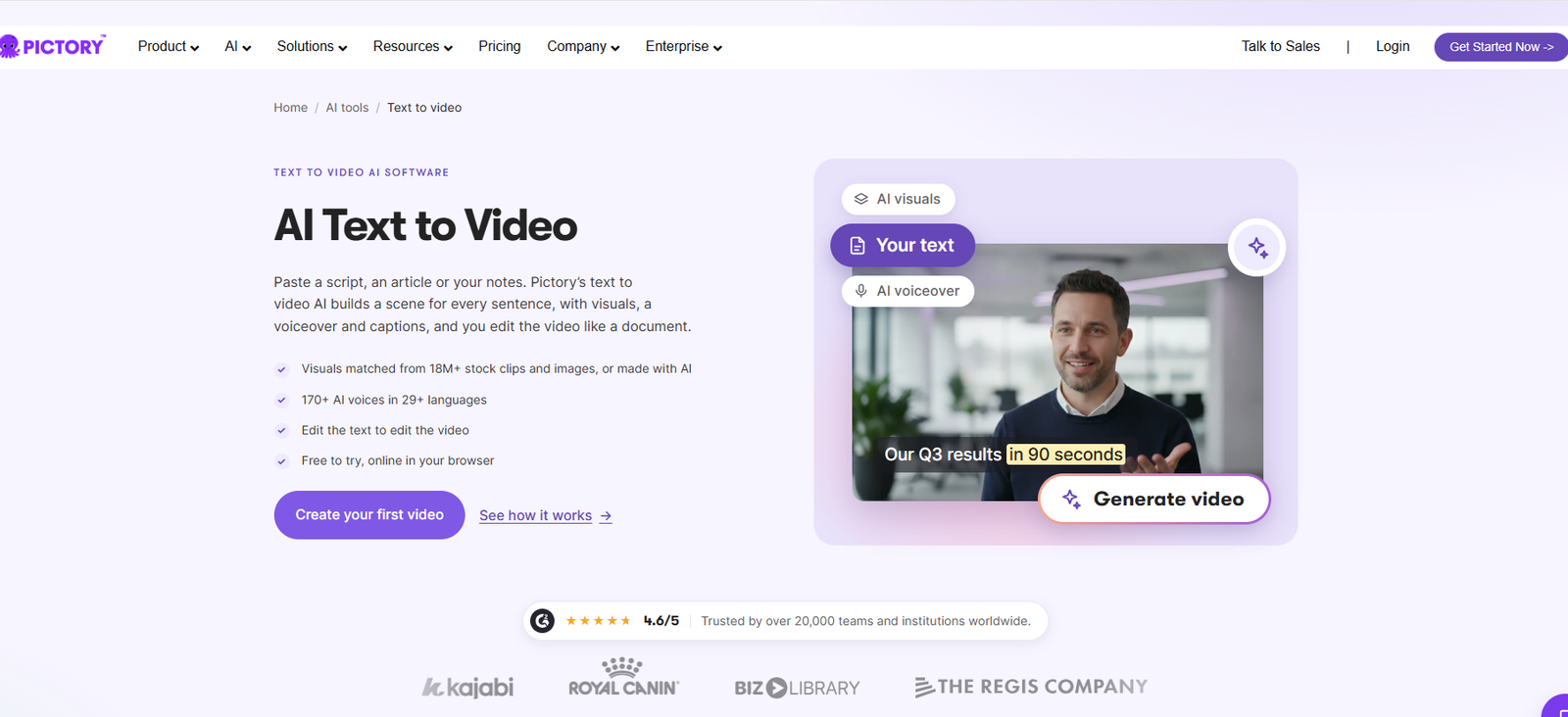
Pictory is an AI video creation platform focused on turning written materials into videos. Marketers can provide scripts, articles, or other documents, and the platform helps assemble scenes using relevant visuals and narration.
It is particularly useful for businesses with existing blogs, guides, and educational resources. Teams can repurpose this content into social media videos and short explainers.
Key features:
- Turn scripts and articles into video scenes.
- Convert existing blog content into videos.
- Match written text with stock visuals.
- Generate captions and subtitles.
- Add AI narration and background music.
- Customize videos with branding and layouts.
- Edit scenes and prepare different video formats.
Best for: Content marketers and small teams turning articles, educational materials, and marketing scripts into videos.
Where it falls short: Automatically selected visuals may require manual changes to match specific brand messages.
6. Fliki
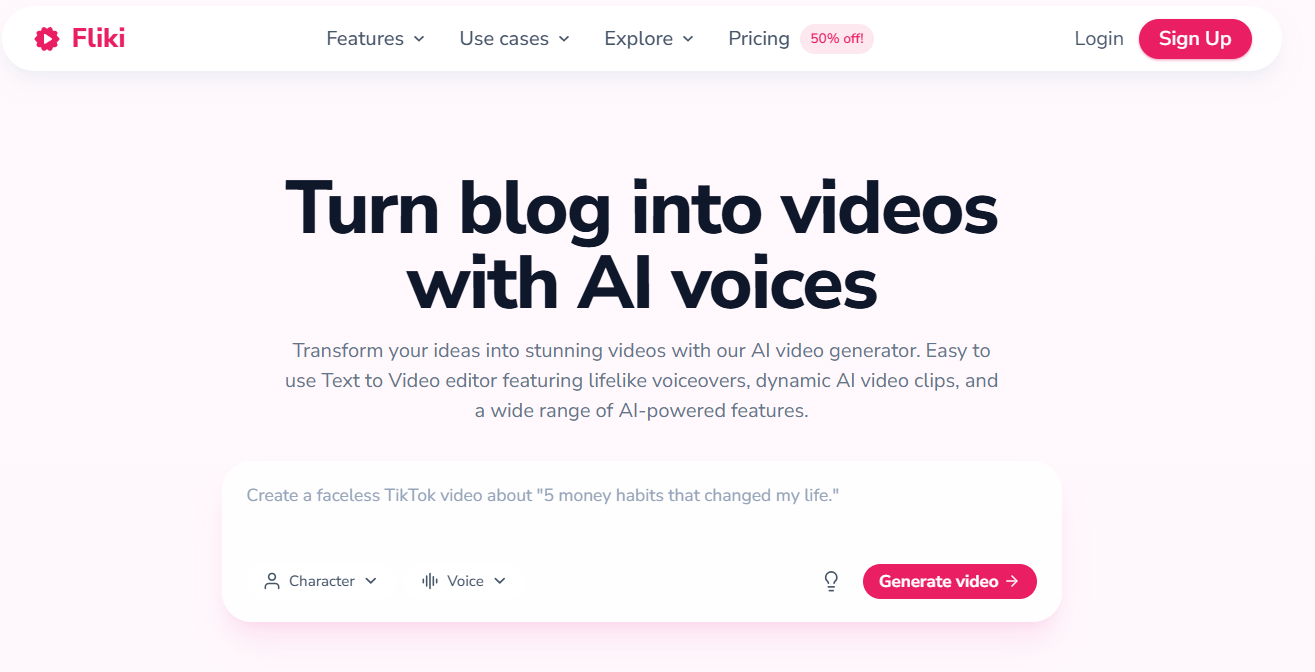
Fliki combines text-to-video creation with AI voice generation. Users can provide scripts, ideas, blog links, or documents to create narrated videos with supporting visuals.
Its voice library and language options make it useful for creating educational videos, social media explainers, and content for international audiences.
Key features:
- Convert scripts, ideas, and articles into videos.
- Generate AI voiceovers in multiple languages.
- Add AI avatars and narration.
- Match scenes with stock or generated visuals.
- Create subtitles and customize captions.
- Add background music and adjust audio.
- Export videos for different social platforms.
Best for: Creators and marketing teams producing narrated explainers, educational videos, and multilingual social content.
Where it falls short: Automatically assembled scenes may need editing to improve visual accuracy and storytelling.
How Can AI Text-to-Video Tools Support Content Marketing?
AI text-to-video tools make it easier to create videos from existing written materials. A blog post can become an explainer, a product description can become a promotional clip, and a campaign brief can guide a series of social media videos Product videos for online stores are another way to turn written product details into visual content..
However, video production is only one part of content marketing.
MageMail’s guide to product videos for ecommerce email campaigns explains how businesses can share visual content with subscribers.
Clear information and useful content remain important for discoverability.
How to Choose the Right AI Text-to-Video Tool
Start by identifying the type of video your business needs.
Cinematic advertising requires strong visual generation, while training videos may benefit from AI presenters. Teams repurposing existing articles should prioritize script-based video assembly.
Also consider editing options, language support, brand controls, and generation costs.
The selected tool should fit your wider content and email marketing plans rather than focusing only on production speed.
How to Measure AI Video Marketing Results
Marketers should evaluate how videos support business goals.
Track views, audience retention, engagement, website visits, and conversions. Compare different formats to understand what attracts relevant audiences For videos shared by email, targeted email marketing can help reach more relevant customers..
MageMail’s guide to email marketing offers additional ideas for tracking customer response and improving campaigns.
Conclusion
AI text-to-video tools are changing how marketing teams create content. They help businesses turn ideas and scripts into videos while reducing some of the work involved in traditional production.
Invideo, Runway, Synthesia, HeyGen, Pictory, and Fliki serve different needs, from cinematic advertisements to presenter-led explainers.
Choosing the right platform depends on creative goals, editing requirements, and the content marketing workflow.
Frequently Asked Questions
1. What are AI text-to-video tools?
AI text-to-video tools convert written prompts, scripts, or documents into videos. They can generate scenes, select visuals, add voiceovers, and support editing.
2. Can AI generate complete marketing videos from scripts?
Yes. Some platforms can turn scripts into videos with multiple scenes, voiceovers, music, subtitles, and edits. Marketers should review the output before publishing.
3. Which AI text-to-video tool is best for marketing?
The best choice depends on your needs. Invideo suits teams seeking AI generation and timeline editing, while Synthesia focuses on presenters and Pictory helps repurpose written content.
4. Do AI-generated videos improve search visibility?
AI-generated videos do not guarantee higher rankings or AI citations. Accurate titles, transcripts, captions, and helpful supporting content can make published videos easier to understand.