
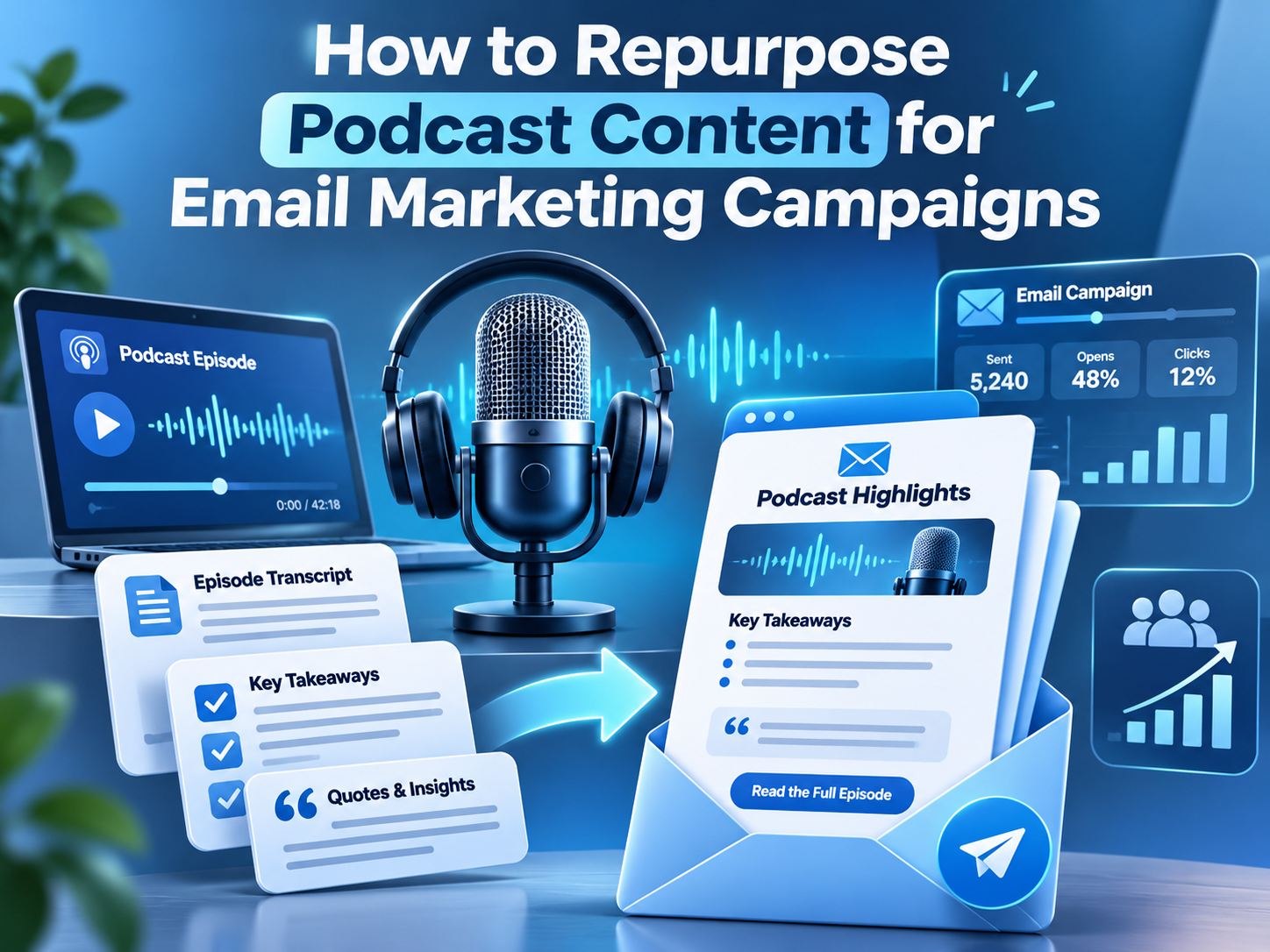
Podcasts help businesses share knowledge, discuss industry trends, and connect with their audience. However, valuable conversations often reach only people who listen to the complete episode.
A single podcast recording can provide content for newsletters, educational emails, short videos, and promotional campaigns. Instead of creating something new for every email, marketers can repurpose existing discussions into useful content.
With the right editing tools and a clear strategy, podcast repurposing can save time, support consistent communication, and give subscribers more ways to engage with a brand.
Why Should Businesses Repurpose Podcasts for Email Marketing?
Repurposing podcasts means taking useful information from an existing recording and presenting it in different formats.
Not every subscriber has time to listen to a lengthy discussion. Some prefer short summaries, others enjoy video highlights, and some want practical advice they can read quickly.
Repurposing offers several benefits:
- Consistent content: One episode can support multiple campaigns.
- Time savings: Teams can build on existing recordings.
- More engagement opportunities: Subscribers can choose their preferred content format.
- Better content reach: Emails can direct readers to complete episodes and related resources.
The goal is to share the strongest ideas in formats that suit your audience.
1. Turn Podcast Episodes Into Email Newsletters
Podcast conversations often contain several ideas that can become individual newsletter topics.
Start by reviewing the recording and identifying useful tips, expert opinions, or answers to common questions.
Turn these insights into short sections with clear headings. Include an introduction, two or three takeaways, and a link to the complete episode.
A podcast discussing customer retention, for instance, could become a newsletter sharing three practical ways to build stronger customer relationships.
Keep the message focused rather than covering every discussion from the episode.
MageMail’s guide to email newsletters that get opened highlights the importance of sharing relevant content that readers find valuable. The same principle applies when repurposing podcast conversations.
2. Create Short Video Highlights From Podcast Recordings
Short video highlights give subscribers a preview of an episode without requiring them to watch the complete recording.
Choose an interesting discussion, practical tip, or memorable guest response. Remove unnecessary pauses, improve the audio, and add captions.
For audio-only podcasts, supporting visuals can make promotional clips more engaging.
Marketers can use invideo’s Photo to Video feature to turn still images into moving clips. Users can upload JPG, PNG, or WEBP photographs, describe the movement they want, and choose an AI model to generate video.
This is useful for animating guest portraits, branded photographs, or images connected to the discussion. The generated clips can be refined and exported in formats suited to different platforms.
For email campaigns, use a clickable video thumbnail that directs subscribers to the complete highlight.
3. Turn Podcast Quotes Into Educational Emails
Some podcast conversations contain advice that deserves attention beyond the original recording.
Review the transcript and identify quotes that explain a concept, answer a question, or offer useful insights.
These can become short educational emails focused on one idea.
A podcast about online shopping might include advice about customer trust. Marketers can turn that discussion into an email explaining practical ways to improve the shopping experience.
Quotes can also become branded graphics that make newsletters easier to scan.
Include enough context so readers understand the message without listening to the full conversation.
4. Best Tools for Repurposing Podcast Content
Editing tools help businesses turn podcast recordings into polished episodes, video highlights, and promotional content.
Here are three tools suited to different stages of podcast repurposing.
Invideo: Best for AI-Assisted Podcast Editing and Marketing Clips
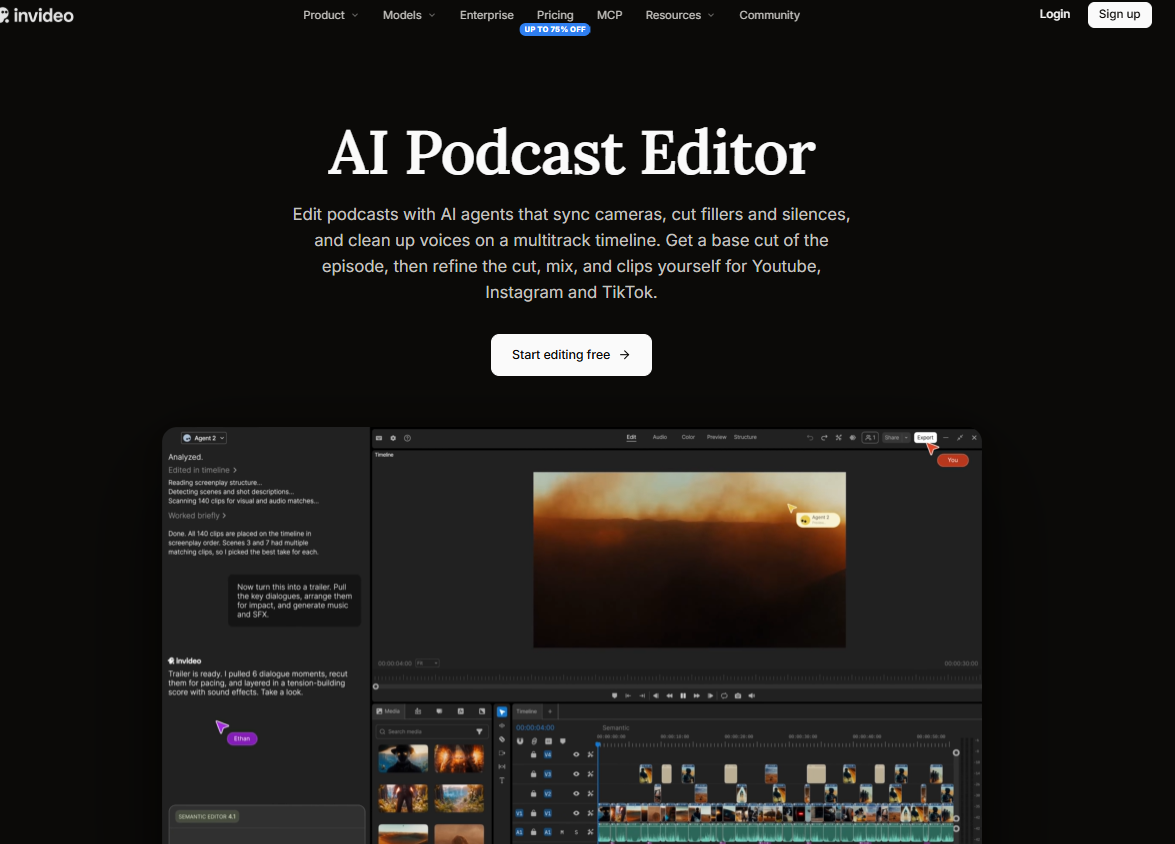
Invideo is a browser-based video editor that combines AI editing agents with a multitrack timeline. Its podcast editor can turn raw recordings into edited episodes and short promotional clips.
Users can upload multiple camera recordings and separate microphone tracks. AI agents can build an editable first cut from a brief, sync camera angles to the active speaker, remove fillers and repeated lines, and clean up dialogue through voice isolation, noise reduction, and automatic leveling. Music ducking and loudness metering help balance the final audio.
For promotional content, users can request topic-based highlights in different lengths and formats. The editor also supports editable captions, chapter markers, guest titles, AI-generated or stock B-roll, color matching, and keyframe animations.
Another useful feature is invideo MCP, which connects invideo with supported AI assistants such as Claude, ChatGPT, and Cursor. This allows users to request edits through their preferred AI workspace. The platform also offers 50+ dubbing languages, collaborative editing, frame-specific review comments, and editable exports for professional editors.
Audio-only episodes can be exported as WAV, AAC, or Opus. Manual editing and exports are free, with AI agent tasks requiring credits.
Best for: Podcasters and marketing teams seeking AI-assisted editing with detailed creative control.
Descript: Best for Transcript-Based Podcast Editing
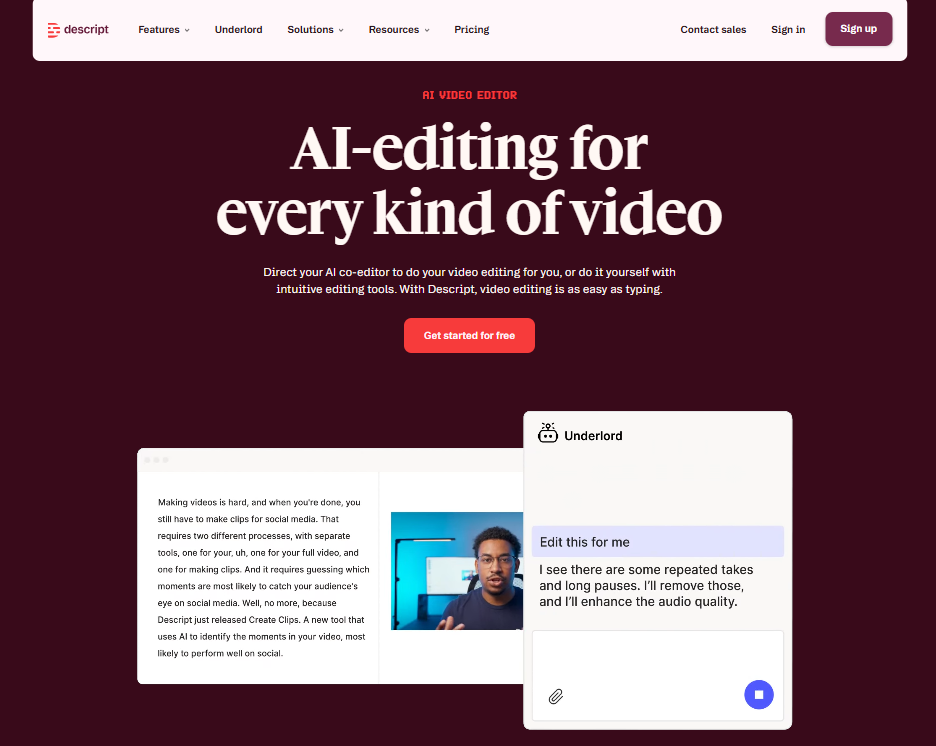
Descript is an audio and video editing platform that allows creators to edit recordings through automatically generated transcripts. Instead of manually searching through lengthy footage, users can find important discussions by reading the text.
Its AI assistant, Underlord, can help create rough cuts, remove filler words and retakes, shorten long pauses, and organize recordings. Studio Sound reduces background noise and echo to make dialogue clearer.
Descript also supports speaker detection, captions, chapter markers, and social clips. Users can prepare vertical highlights, add text layouts, and create audiograms with supporting visuals.
For podcast marketing, these features make it easier to select quotes, prepare interview highlights, and create shorter promotional content.
Descript also offers remote recording, cloud collaboration, review comments, version history, and an MCP connection for supported AI assistants. Teams can record, edit, review, and prepare content without moving between several editing applications.
Best for: Podcasters and marketers who prefer editing audio and video through transcripts.
Canva: Best for Podcast Graphics and Visual Promotions
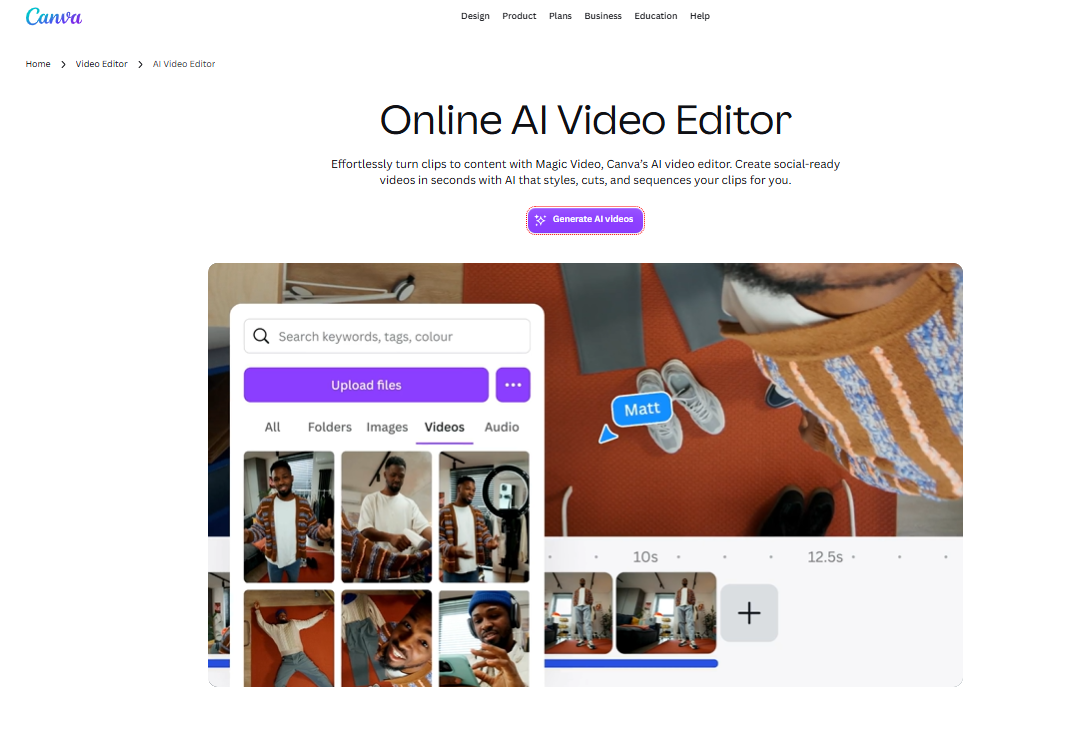
Canva is a visual design and video editing platform that helps businesses create branded content using templates and straightforward editing controls.
It offers designs for podcast covers, episode announcements, quote cards, newsletter banners, and promotional videos. Users can customize fonts, colors, photographs, and layouts to match their brand.
Its video editor supports trimming, splitting, multiple timeline layers, transitions, animations, and text overlays. Users can also generate editable captions, adjust caption timing, and choose different caption styles.
For podcast marketing, Canva is useful for turning interesting quotes into shareable graphics, preparing guest announcement visuals, and designing thumbnails linked to full episodes.
The platform also provides AI-assisted design features, video resizing tools, and brand management options. Shared projects and team editing make it easier to maintain consistent visuals across multiple campaigns.
Marketing teams can adapt one design for newsletters, websites, and social platforms without rebuilding every graphic.
Best for: Businesses creating podcast graphics, branded newsletter visuals, and simple promotional videos.
5. Personalize Podcast Content for Different Subscribers
Not every subscriber is interested in the same topics. A podcast covering several business challenges may contain useful information for different audience groups.
Instead of sending identical highlights to everyone, choose content based on subscriber interests.
New customers may appreciate beginner-friendly advice, whereas returning customers might prefer detailed discussions or product insights.
MageMail’s guide to targeted email marketing explains how segmentation can help businesses create more relevant campaigns.
The same approach can make podcast promotions more useful to each subscriber group.
6. Build an Email Campaign Around Each Episode
Once the podcast content is ready, organize it into a clear email campaign.
Start with an interesting subject line, briefly introduce the discussion, and share one or two useful takeaways.
Include a relevant image or video thumbnail linked to the full recording.
Since embedded videos don’t work consistently across email clients, linking a thumbnail to a hosted video is generally more reliable.
Keep the layout easy to scan and give each email one clear purpose.
MageMail’s email marketing tips offer additional guidance on creating structured campaigns and sharing relevant messages with subscribers.
7. Track Results and Improve Future Campaigns
Measuring results helps businesses understand which podcast topics attract attention.
Track email click-through rates, visits to episode pages, video engagement, and conversions where relevant.
Compare newsletters featuring written summaries with campaigns promoting video highlights.
Use these findings to select stronger podcast moments and improve future emails.
Conclusion
Repurposing podcast content helps businesses get more value from conversations they have already recorded.
By turning episodes into newsletters, educational emails, short videos, and branded visuals, marketers can reach subscribers in different ways without constantly creating new material.
The key is to choose useful discussions, edit them carefully, and share them with the right audience.
Frequently Asked Questions
1. How can podcasts be used in email marketing?
Podcasts can provide content for newsletters, educational emails, video highlights, and guest interviews. Marketers can share useful discussions and direct subscribers to complete episodes.
2. Can audio-only podcasts be turned into videos?
Yes. Audio recordings can be combined with photographs, animations, captions, and supporting visuals to create promotional videos.
3. What podcast content works best in newsletters?
Practical advice, expert opinions, short interviews, and answers to common questions are good options. The content should match subscriber interests.
4. How often should businesses share podcast content through email?
The frequency depends on the publishing schedule and audience preferences. Businesses can include podcast highlights in regular newsletters or create dedicated emails for important episodes.